Introduction
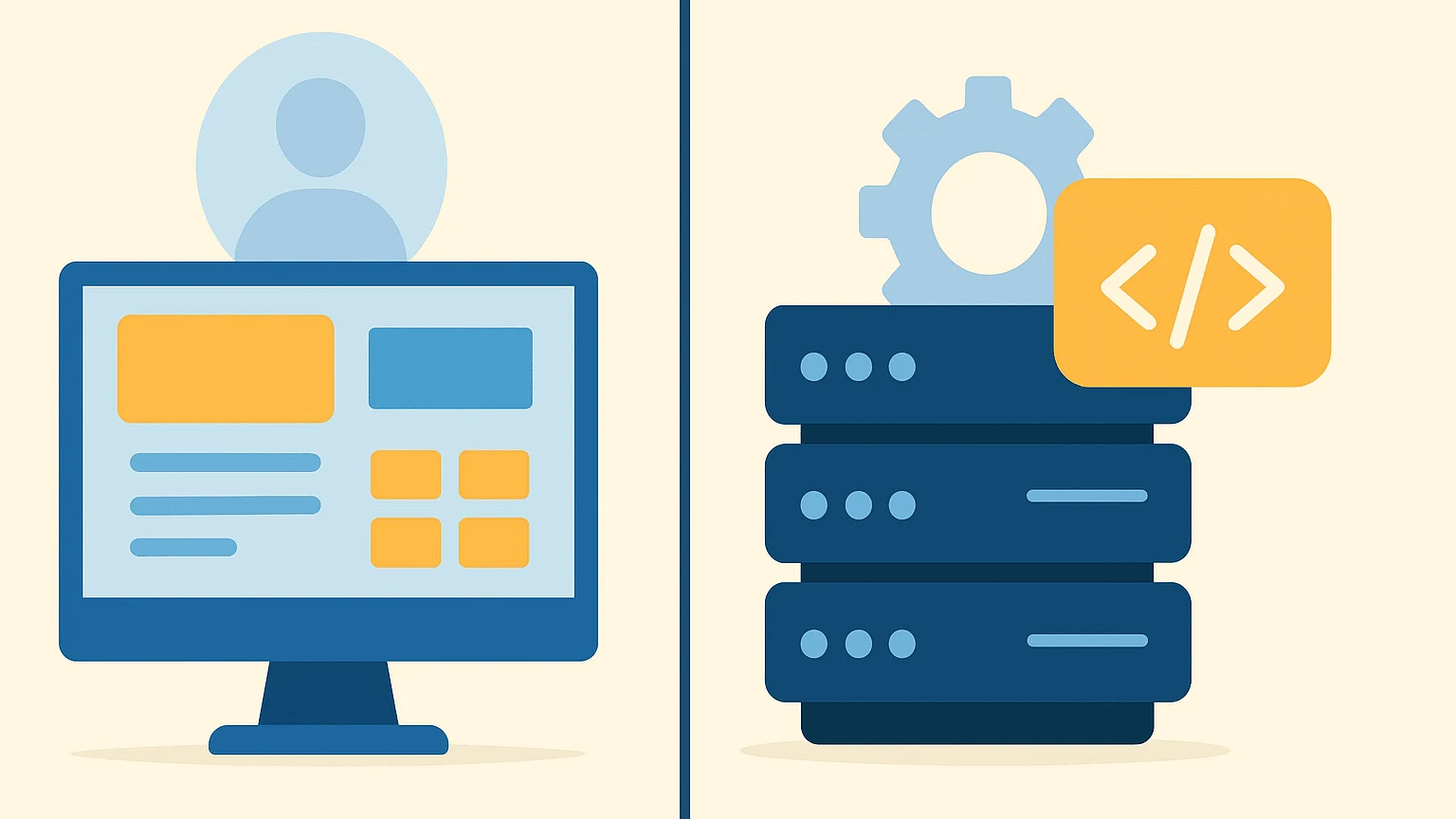
If you’re planning to build a website, one of the first technical questions you’ll run into is static vs dynamic websites. The terms sound intimidating, but the concept is actually straightforward once you break it down.
As someone who’s deployed everything from simple landing pages to full-scale content platforms, I can tell you this: choosing the wrong type early on can lead to unnecessary complexity, higher costs, or painful migrations later. This article explains the difference between static and dynamic websites in plain language, with practical examples to help beginners make the right decision.
What Is a Static Website?
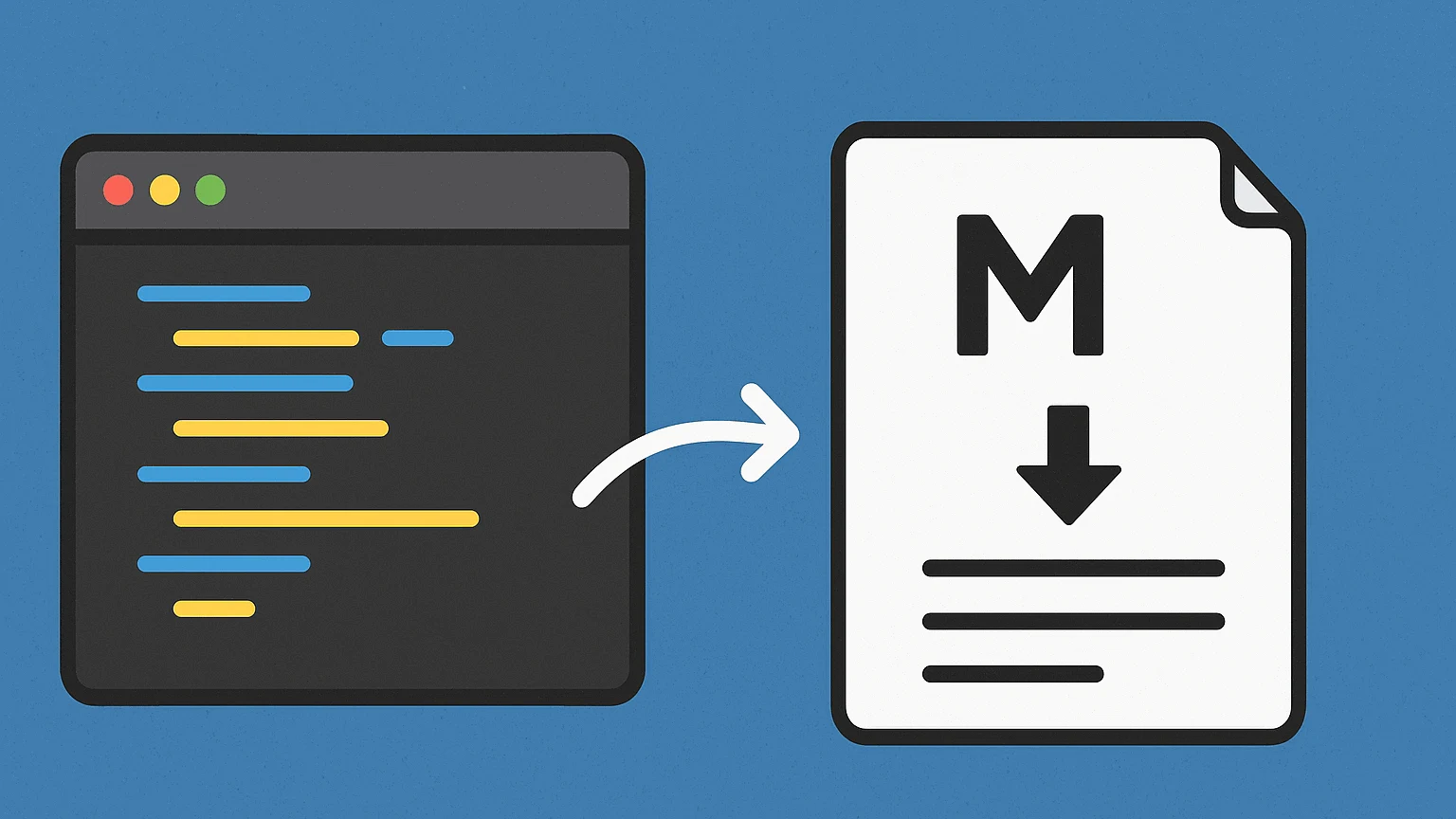
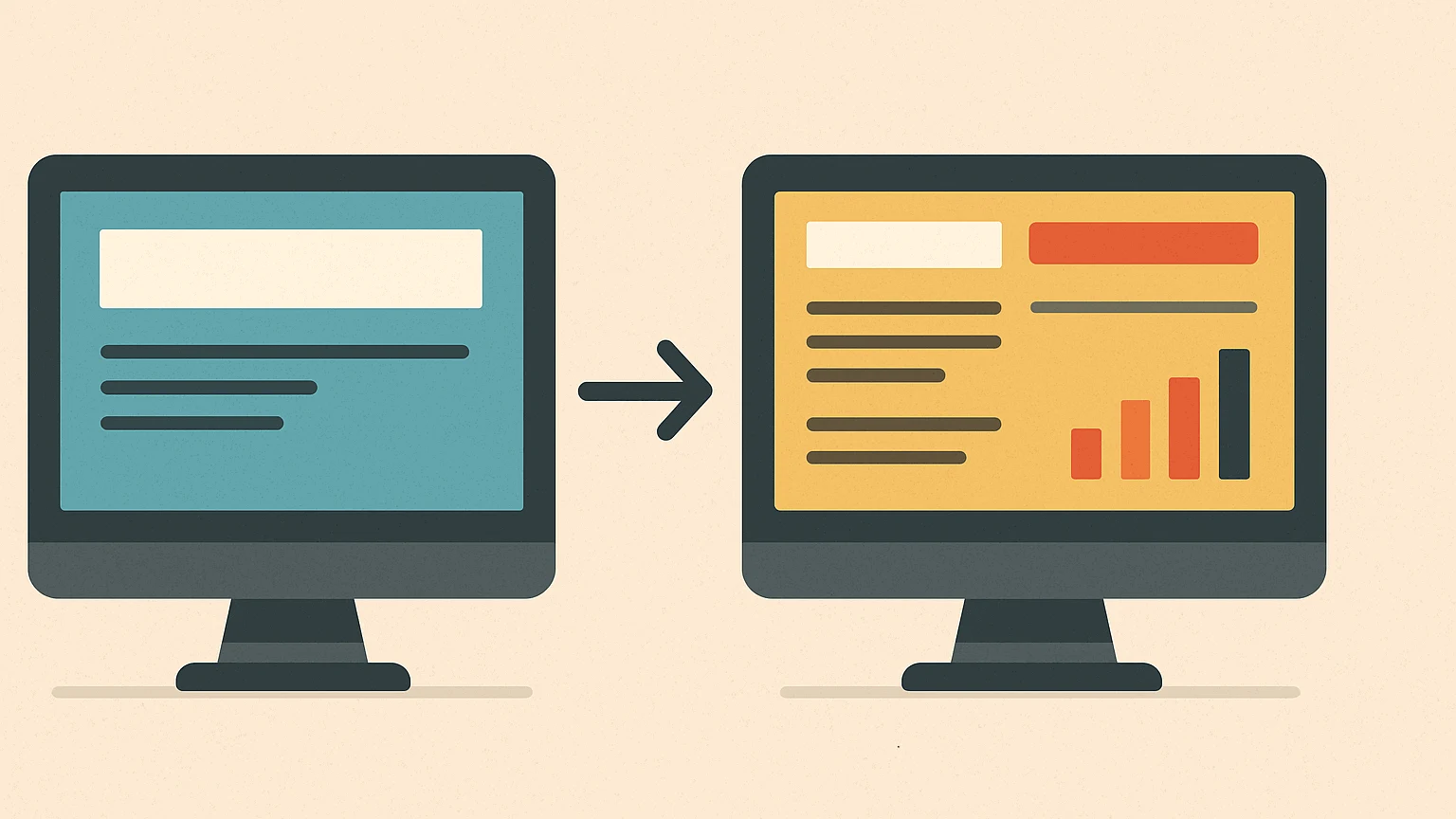
A static website is made up of fixed files, usually HTML, CSS, and JavaScript that are served to users exactly as they are stored on the server.
Key Characteristics
- Content does not change automatically
- No database required
- Pages load very fast
- Easy to host (even on CDN-only platforms)
Example Use Cases
- Personal blogs
- Company landing pages
- Documentation sites
- Portfolios
A typical static page looks like this:
<h1>Welcome to My Website</h1>
<p>This content is the same for every visitor.</p>
Every user gets the same output unless you manually change the file.
What Is a Dynamic Website?
A dynamic website generates content on the fly. The server processes requests, pulls data from a database, and builds the page before sending it to the browser.
Key Characteristics
- Content changes based on user or data
- Requires backend logic (PHP, Node.js, Python, Go, etc.)
- Uses a database (MySQL, PostgreSQL, MongoDB)
- More flexible, but more complex
Example Use Cases
- Blogs with admin panels like wordpress
- E-commerce stores
- Membership or login-based sites
- Web applications
Simplified dynamic flow:
User Request → Server Logic → Database → HTML Response
Static vs Dynamic Websites: Side-by-Side Comparison
| Feature | Static Website | Dynamic Website |
|---|---|---|
| Content updates | Manual | Automatic |
| Database | ❌ No | ✅ Yes |
| Performance | Very fast | Depends on backend |
| Security surface | Minimal | Larger |
| Hosting cost | Low | Medium to high |
| Best for | Simple content | Interactive platforms |
This table alone often answers most beginner questions about the difference between static and dynamic websites.
How to Choose: Step-by-Step Decision Guide
Use this quick checklist to decide which one fits your needs.
- Do you need user accounts or dashboards? → Go dynamic.
- Is content mostly informational and rarely changes? → Go static.
- Do you need comments, orders, or forms stored in a database? → Go dynamic.
- Want maximum speed and minimal maintenance? → Go static.
- Planning to scale features over time? → Dynamic may be safer long-term.
Configuration & Deployment Basics
Static Website Deployment
Build with tools like Hugo, Jekyll, or plain HTML
Deploy to:
- VPS using Nginx / Apache
- GitHub Pages
- Netlify / Cloudflare Pages
Dynamic Website Deployment
Requires:
- Application server
- Database server
- Runtime environment
Common stack:
- PHP + MySQL
- Node.js + PostgreSQL
- Go + SQLite/
- Etc
Static setups are simpler and harder to break. Dynamic setups offer power but demand maintenance.
FAQ: Static vs Dynamic Websites
Q: What is the main difference between static and dynamic websites?
A: Static websites serve fixed content, while dynamic websites generate content based on logic and databases.
Q: Are static websites better for SEO?
A: They often perform better due to faster load times, but dynamic sites can rank just as well if optimized properly.
Q: Can static websites use JavaScript?
A: Yes. Static sites can still use JavaScript for interactivity without becoming fully dynamic.
Q: Is WordPress a static or dynamic website?
A: WordPress is dynamic by default, though it can be converted into a static site using build tools.
Q: Which is more secure: static or dynamic?
A: Static websites are generally more secure because they have fewer attack surfaces.
Wrapping Up
Understanding static vs dynamic websites isn’t about picking sides—it’s about choosing the right tool for the job. Static sites win on simplicity, speed, and security. Dynamic sites shine when interaction, automation, and personalization are required.
If you’re just starting out, go static first. You’ll learn faster, spend less, and avoid unnecessary complexity. When your project truly needs it, dynamic solutions will still be there, ready to scale with you.